Restyle
A whole new look, same room
Upload one photo and browse a catalog of styles. Every render keeps your room’s real layout, windows and camera angle — so what comes back is your room, not a stock photo of somebody else’s.
3 free credits every month. No card, no watermark.
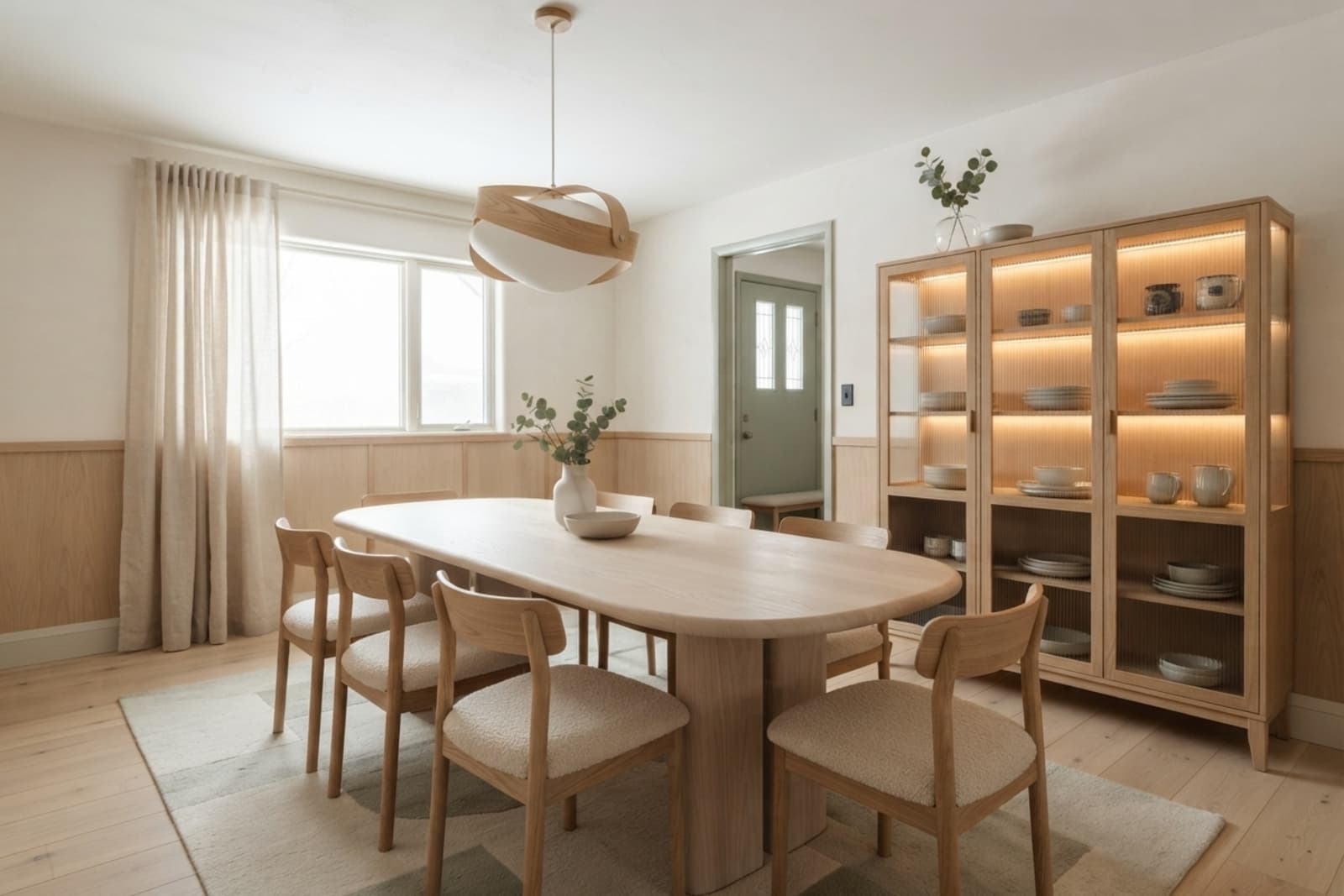
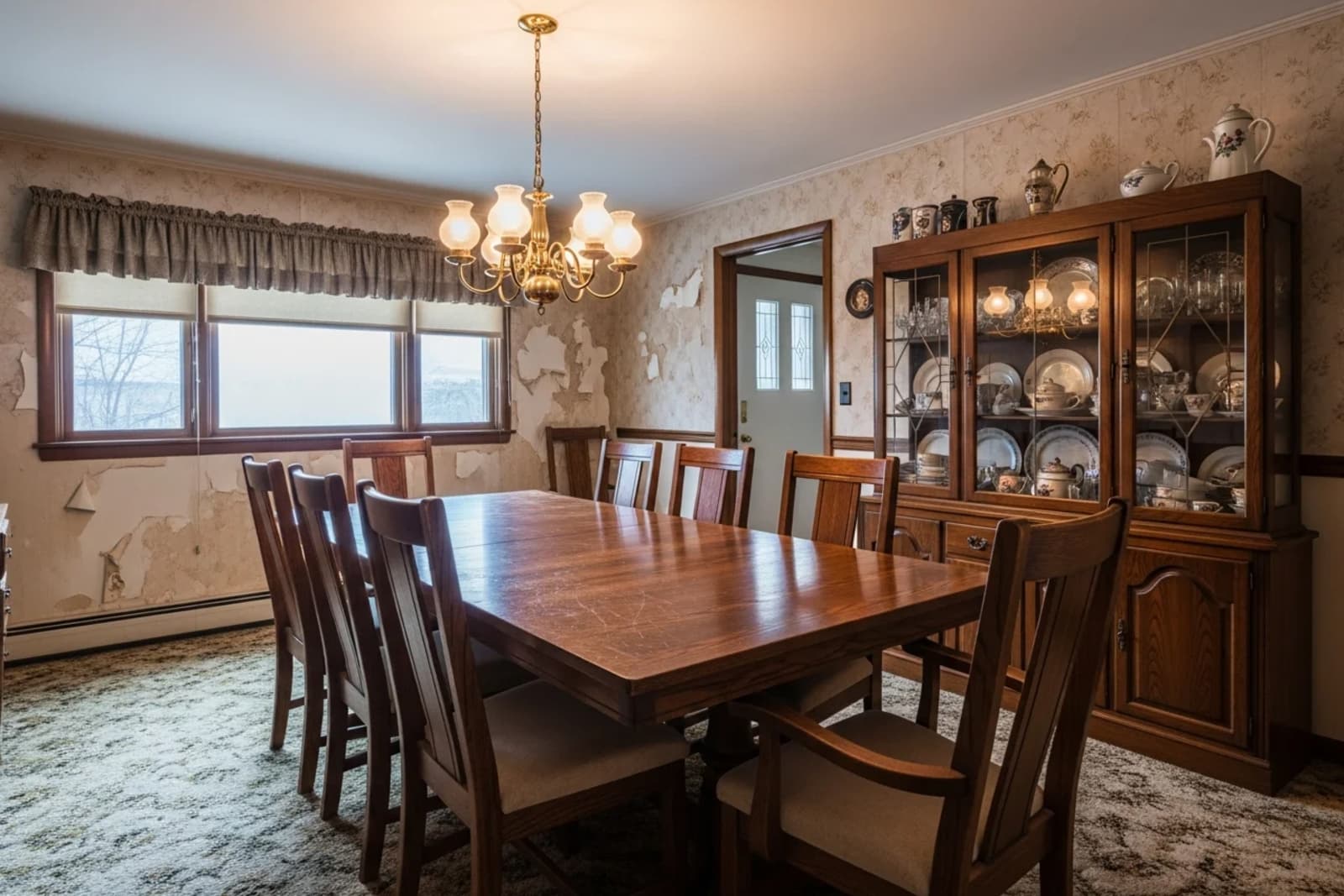
Drag to compare.
What changes
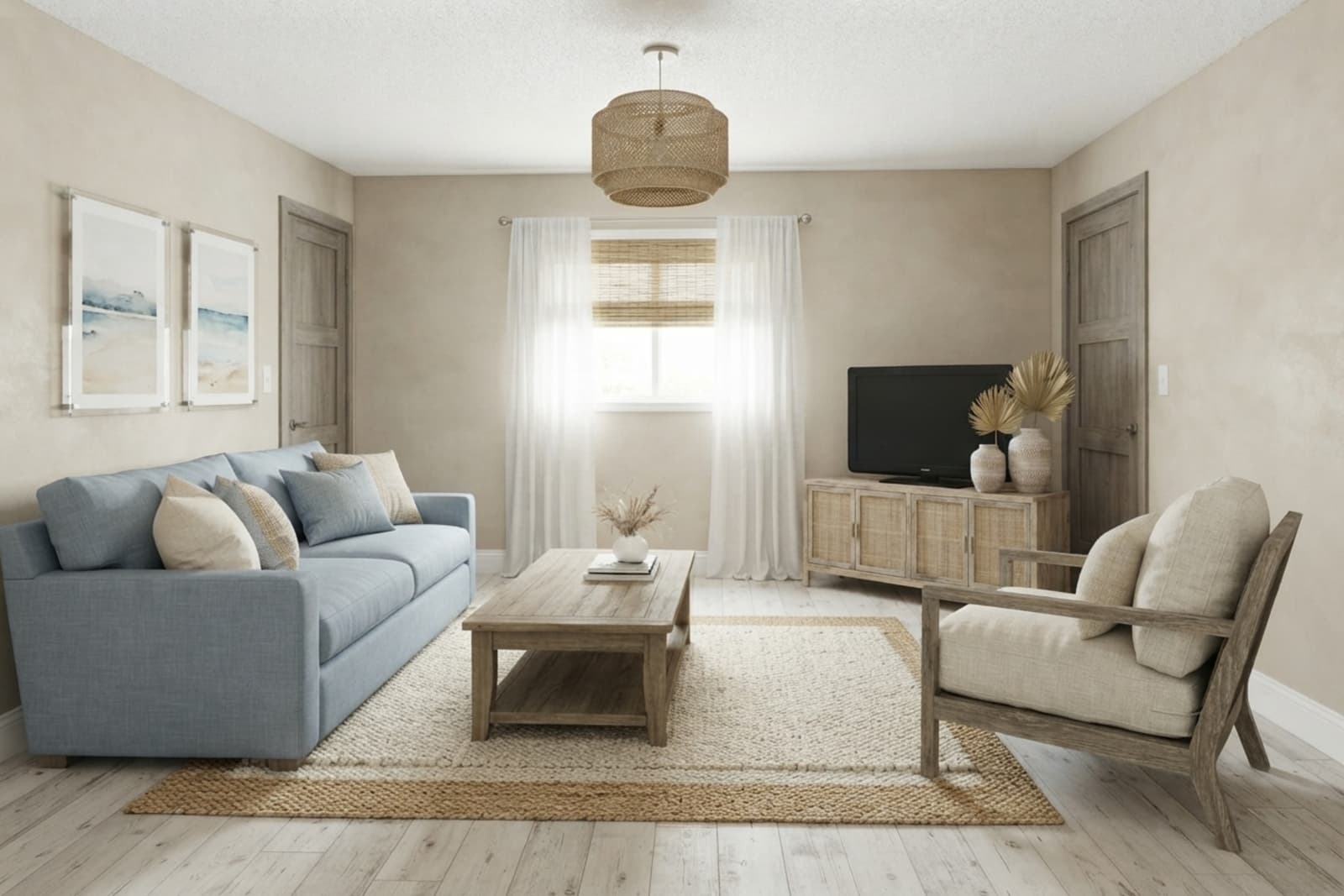
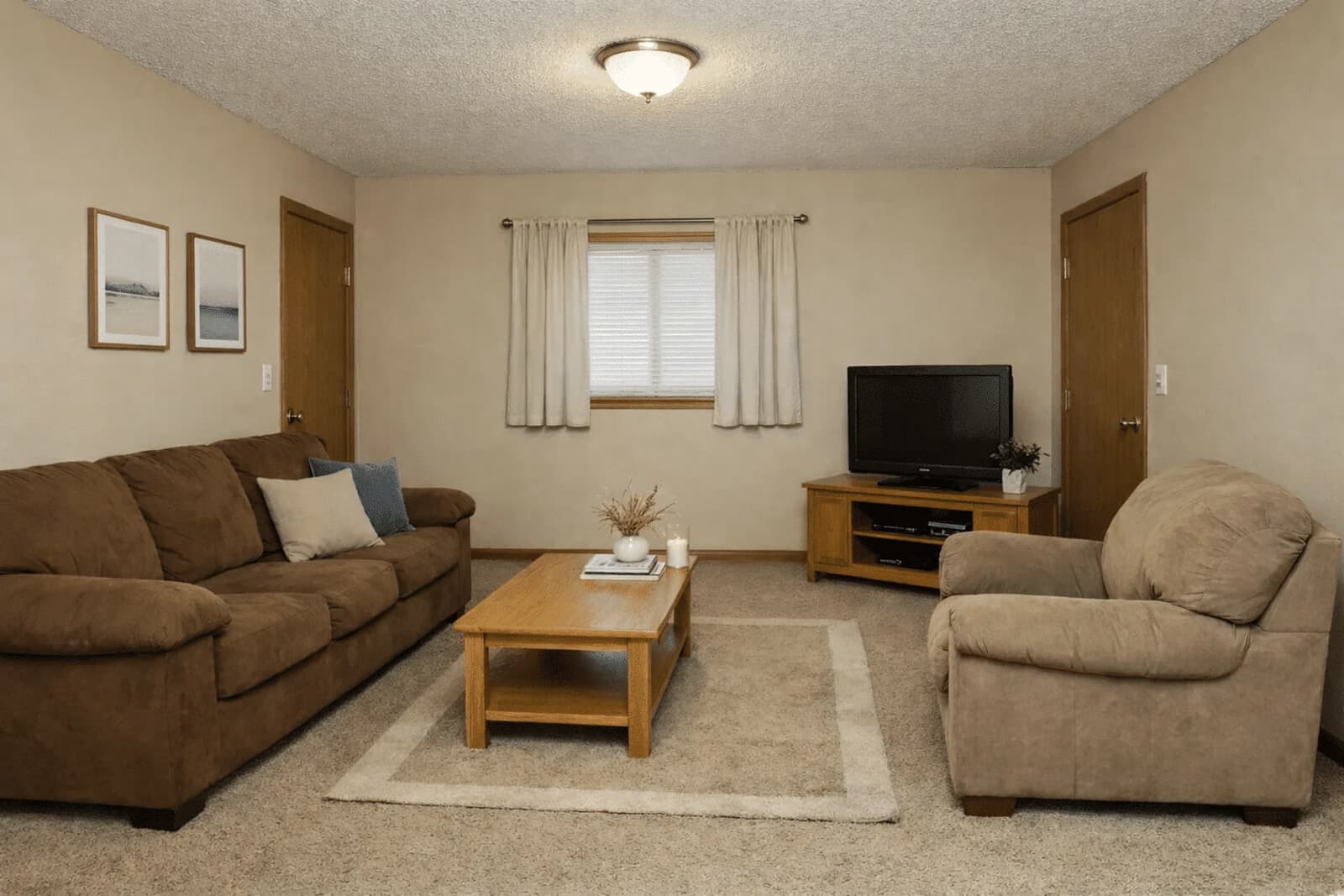
Furniture and how it’s arranged, materials and finishes, the colour palette, the lighting mood, and everything sitting on the surfaces. A style is applied to the whole room at once, not pasted onto one wall.
What stays
Your walls, windows and doors, exactly where they are. The room’s proportions and ceiling height. The angle you shot the photo from. Restyle is the safe mode — if you want the structure itself to change, that’s Renovate.
Examples
What it looks like on a real room


How it works
Three steps
Photograph the room
One wide shot from a corner is plenty. Or start from one of our rooms if you’d rather see it work first.
Pick a style
Scandinavian, Japandi, mid-century, industrial and more — each with a preview of what it looks like in a room like yours.
Compare, then try another
Drag the slider against your original. Switching back to a style you’ve already rendered is free — only a new one costs a credit.
Questions
Before you start
Will it move my walls or windows?
No. Restyle preserves your room’s architecture — walls, windows, doors, proportions and the camera angle all stay put. Renovate is the mode that reshapes structure, and it’s a separate choice you make on purpose.
How many styles can I try?
As many as you like. Each new style costs one credit, and flicking back to one you’ve already rendered costs nothing — comparing is meant to be free.
What if a render comes back wrong?
Reject it and the credit comes back. You only pay for renders you decide to keep.
Do I need a good camera?
A phone is fine. Daylight and a wide angle help more than megapixels do — shoot from a corner so the room’s depth is visible.
More on credits, privacy and cancelling in the full FAQ.